Qwen 3.5 Local Installation & Setup Guide — From Ollama to vLLM
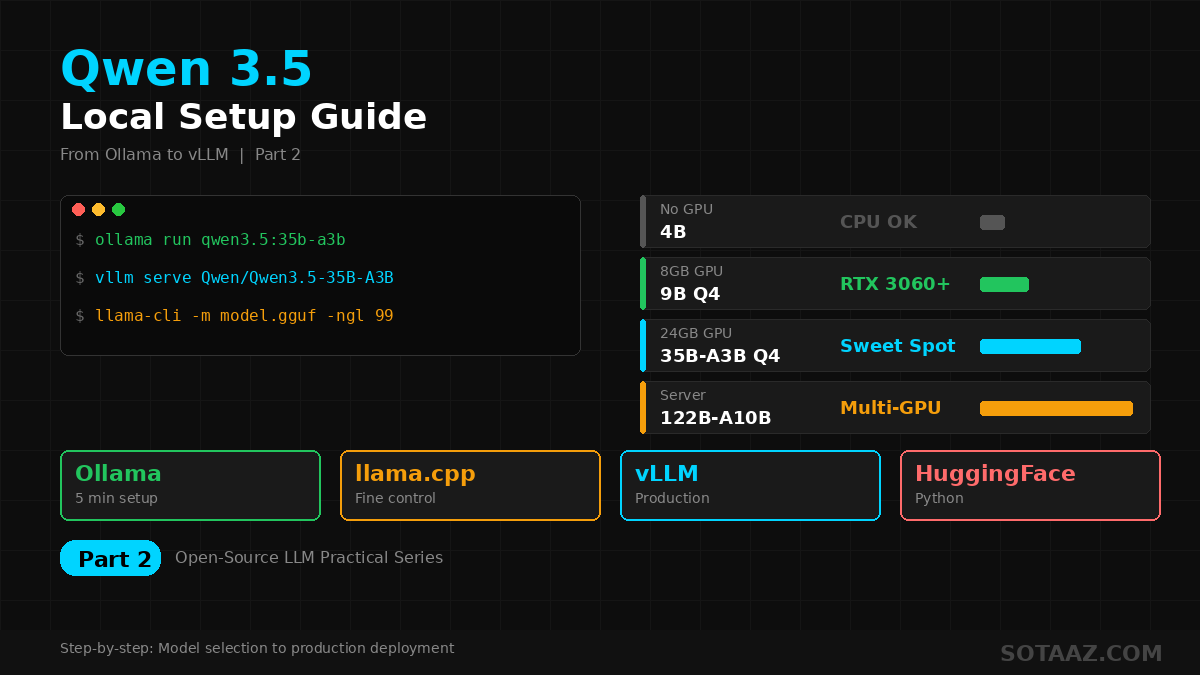
Step-by-step guide to running Qwen 3.5 locally. From 5-minute Ollama setup to production vLLM servers, plus optimal model size selection per GPU.
Qwen 3.5 Local Installation & Setup Guide — From Ollama to vLLM
In the previous post, we compared Qwen 3.5 and DeepSeek V3.2. Now let's get Qwen 3.5 running locally on your machine, step by step.
From a 5-minute Ollama setup to a production-grade vLLM API server, plus optimal model size selection per GPU — this guide covers everything.
1. Which Size Should You Pick?
Qwen 3.5 comes in 8 sizes. Matching the right model to your GPU is step one.
Related Posts
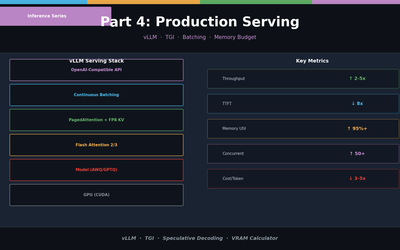
LLM Inference Optimization Part 4 — Production Serving
Production deployment with vLLM and TGI. Continuous Batching, Speculative Decoding, memory budget design, and throughput benchmarks.
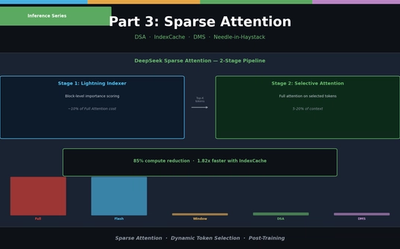
LLM Inference Optimization Part 3 — Sparse Attention in Practice
Sliding Window, Sink Attention, DeepSeek DSA, IndexCache, and Nvidia DMS. From dynamic token selection to Needle-in-a-Haystack evaluation.
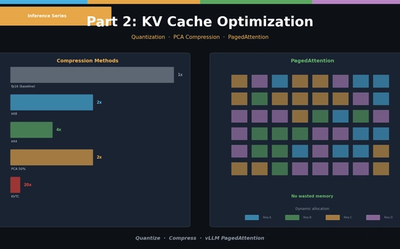
LLM Inference Optimization Part 2 — KV Cache Optimization
KV Cache quantization (int8/int4), PCA compression (KVTC), and PagedAttention (vLLM). Hands-on memory reduction code and scenario-based configuration guide.