Qwen 3.5 Fine-Tuning Practical Guide — Build Your Own Model with LoRA
Complete guide to fine-tuning Qwen 3.5 with LoRA/QLoRA. From 8GB GPU QLoRA setup to Unsloth optimization, GGUF conversion, and Ollama deployment.
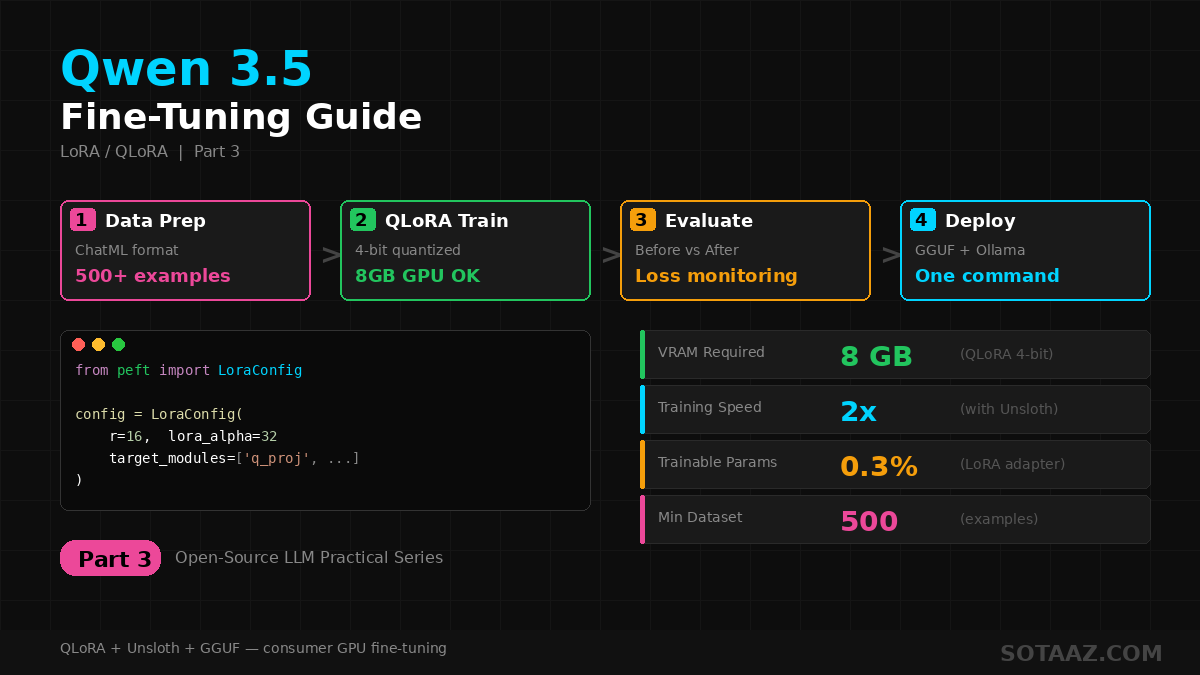
Qwen 3.5 Fine-Tuning Practical Guide — Build Your Own Model with LoRA
In the previous post, we covered installing and running Qwen 3.5 locally. Now let's go one step further: fine-tuning the model with your own data.
With LoRA/QLoRA, you can fine-tune Qwen 3.5 on consumer GPUs. This guide covers the entire process from data preparation to training, evaluation, and deployment.
1. Why Fine-Tune?
Qwen 3.5 is a general-purpose model. It handles most tasks well, but fine-tuning is needed when:
Related Posts
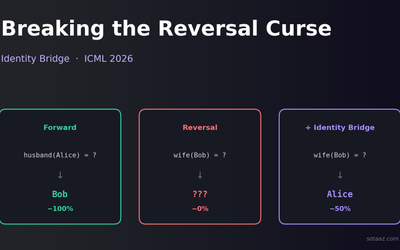
Breaking the Reversal Curse with Identity Bridges — the ICML 2026 fix that shouldn't work but does
LLMs trained on "Alice's husband is Bob" famously fail on "Bob's wife is?" — the reversal curse. A new ICML 2026 paper fixes it by adding one weird kind of self-referential example to the training set. The naive version doesn't work; the right version does.
Fine-tuning Gemma 4 MoE — Customizing Arena #6 with 3.8B Active Parameters
Apply QLoRA to Gemma 4 26B MoE. Expert layer LoRA strategies, Dense vs MoE comparison, MoE-specific training tips, and Ollama deployment. LoRA Series Part 4.
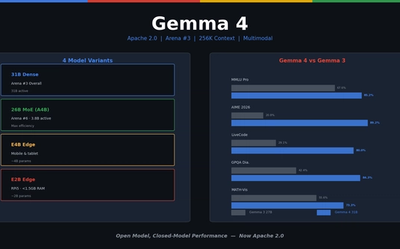
Gemma 4 — Google's Open Model That Rewrites the Rules
First Gemma model under Apache 2.0. Arena #3 overall. 31B Dense, 26B MoE (3.8B active), E4B/E2B edge models. AIME 89.2%, Codeforces ELO 2150, 256K context, multimodal.