I Closed My Laptop. The Session Died. That's Not Remote.
Claude Code Remote Control sounds great until you close your laptop. Honest review of what it actually is, Anthropic's cloud alternative, and the third option I built.
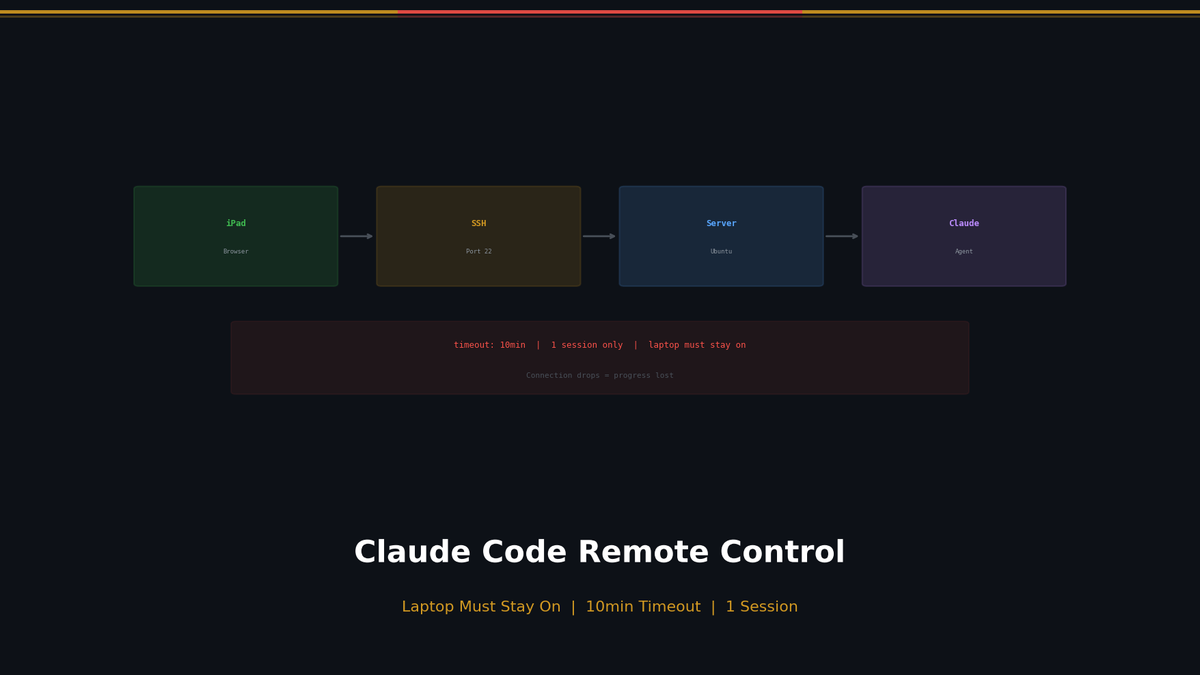
I Closed My Laptop. The Session Died. That's Not Remote.
The image I had in mind: pull out my phone on the subway home, send Claude a quick "did the tests pass?" and get a reply.
Anthropic built exactly that. I tried it on day one.
It's not what I imagined.
Setup Takes 30 Seconds
claude remote-controlA QR code appears in your terminal. Scan it with your phone. Done. You can also connect through claude.ai/code or the Claude mobile app. If you want to hand off an existing session to remote, /rc does it instantly.
The design is clever. Your phone is just a window — everything runs on your local machine. MCP servers, filesystem, environment variables, all intact. Your code never leaves your computer.
First reaction: Oh, this actually works.
Then I Tried to Close My Laptop
Session dead.
Remote Control is a local process. It lives in your terminal. The moment that terminal closes, the connection is gone. I wanted to shut my laptop on the way out and pick it up on my phone — that's not how it works.
This was genuinely surprising. It's called Remote Control. But you have to keep your computer on.
A few more friction points:
- *WiFi switches kill it.* If your network drops for ~10 minutes, the session times out. Moving between cafes or going underground can end your session mid-task.
- *One session only.* Want to check on Project A while Project B is running? Can't. Single session.
- *Max plan required.* $100/month to even try this.
| What I expected | What it actually is |
|---|---|
| Access from anywhere | Works only while laptop's open, on the same network |
| Background agent | Closes when terminal closes |
| Multiple projects | One at a time |
Remote in name. Local in practice.
Anthropic's Other Option
There's actually a second approach from Anthropic. The --remote flag runs Claude on Anthropic's cloud VM — so your laptop can sleep, parallel sessions work, it's available from anywhere.
The catch: no local environment. No local MCP servers, no local DB, no environment variables. It clones your GitHub repo and works from there. Fine if your project lives entirely on GitHub. Not great if you depend on your local setup.
| Remote Control | Claude Code on the Web | |
|---|---|---|
| Runs on | Your machine | Anthropic cloud |
| Laptop can sleep | ❌ | ✅ |
| Parallel sessions | 1 only | Multiple |
| Local MCP/files | ✅ | ❌ |
Both options give you half of what you want. Keep your local env but leave the laptop on. Or turn the laptop off but lose your local env.
So I Built the Third Option
What I wanted was simple:
Runs 24/7 on a server. Access from my phone anywhere. Still uses my actual project files.
Nothing like that existed, so I built it. It's called VibeCheck — and it's open source (MIT).
- Claude Code running 24/7 on a server
- Connect from any browser — phone, tablet, another machine
- Close your laptop, go home, sleep — the agent keeps working
- Multiple sessions at once
- Cron-based scheduled tasks
- Per-query model selection (Opus/Sonnet/Haiku)
Here's what it looks like in action:
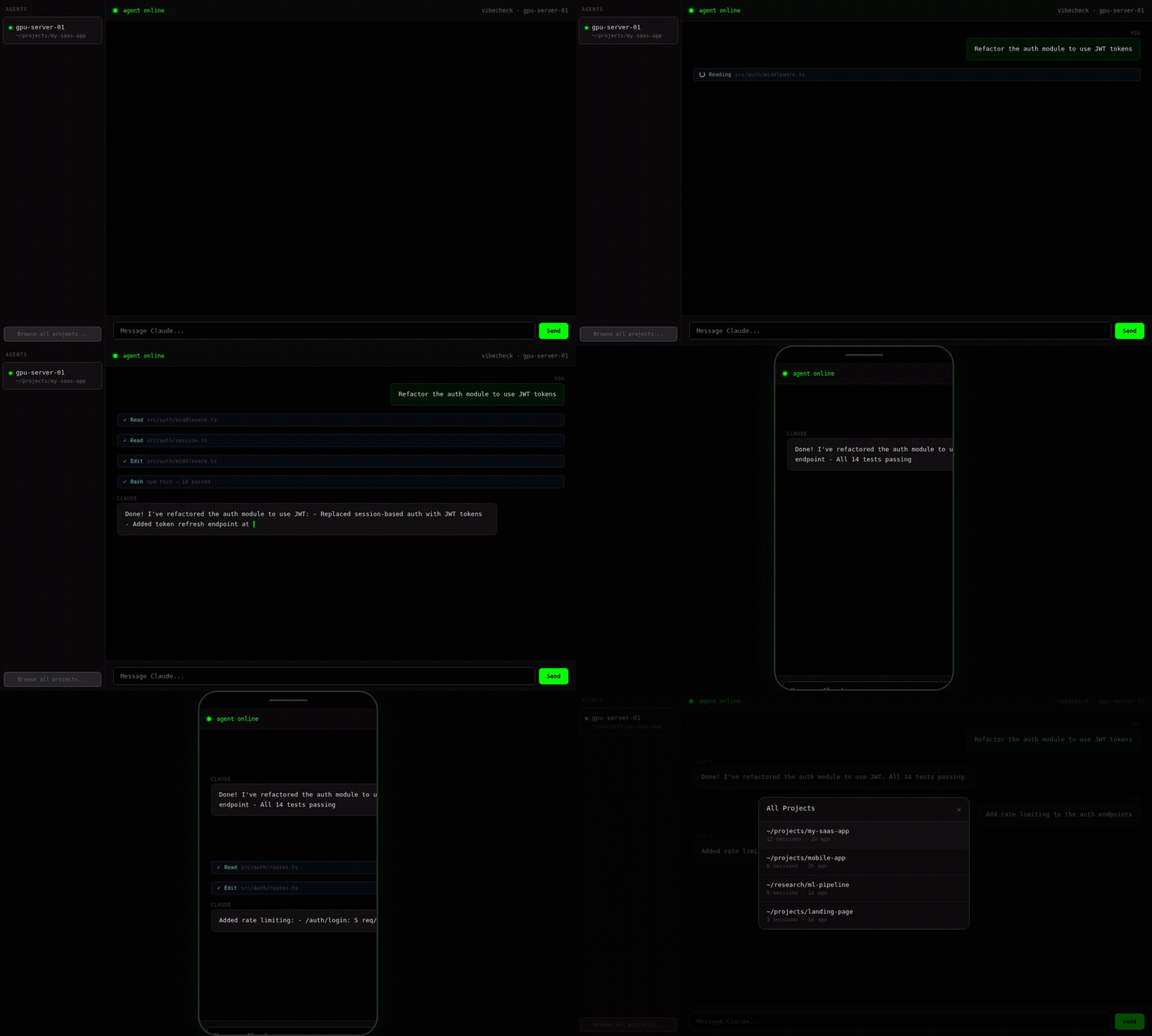
curl -sL https://vibecheck.sotaaz.com/install/YOUR_API_KEY | bashSelf-hosting is available under MIT:
git clone https://github.com/NestozAI/VibeCheck
cd VibeCheck/self-hosted
./setup.sh
I use both. Quick local check-ins → Remote Control. Anything that needs to run overnight → VibeCheck on the server.
Bottom Line
Remote Control is a genuinely nice feature. Checking progress from the couch and sending a follow-up message on your phone — that part is exactly as good as it sounds.
But the name sets up the wrong expectation. It's not "access Claude from anywhere." It's "see Claude from a different screen while your computer stays on."
If you actually want to close the lid and walk away, you need something else.
References: Anthropic Remote Control Docs · Claude Code on the Web · VibeCheck GitHub
Subscribe to Newsletter
Related Posts
Paper of the Week #2 — The Score Is in the Abstract, the Bill Is in Table 2
I rebuilt HoH's Planner→Developer→QA loop (arXiv 2609.01481) around Claude Code on 8 hidden-test tasks: the score gap stayed inside rerun noise while tokens tripled, 58k vs 177k. HoH's own Table 2 reports 3.25x. Plus the matched-loss control promised in issue #1, graded.
CLAUDE.md Templates for Five Project Types — Copy, Paste, and the Rules That Actually Change Agent Behavior
Five CLAUDE.md/AGENTS.md templates — Next.js, Python ML, monorepo, data pipeline, research notebook — plus which lines agents actually obey and how to use a rules file to govern side effects.
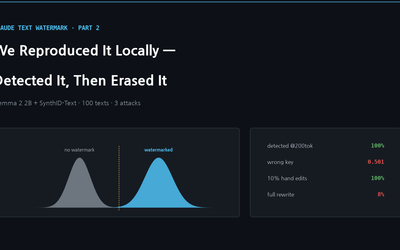
Reproducing Claude's Watermark Locally — SynthID-Text on an Open Model, With Detection and Removal Attacks
We applied SynthID-Text — the algorithm Claude adopted — to Gemma 2 2B and measured everything: why detection is impossible without the key, how many tokens it needs, why false positives explode on short text, and how one rewrite by a local 3B model erases the watermark.